Why?
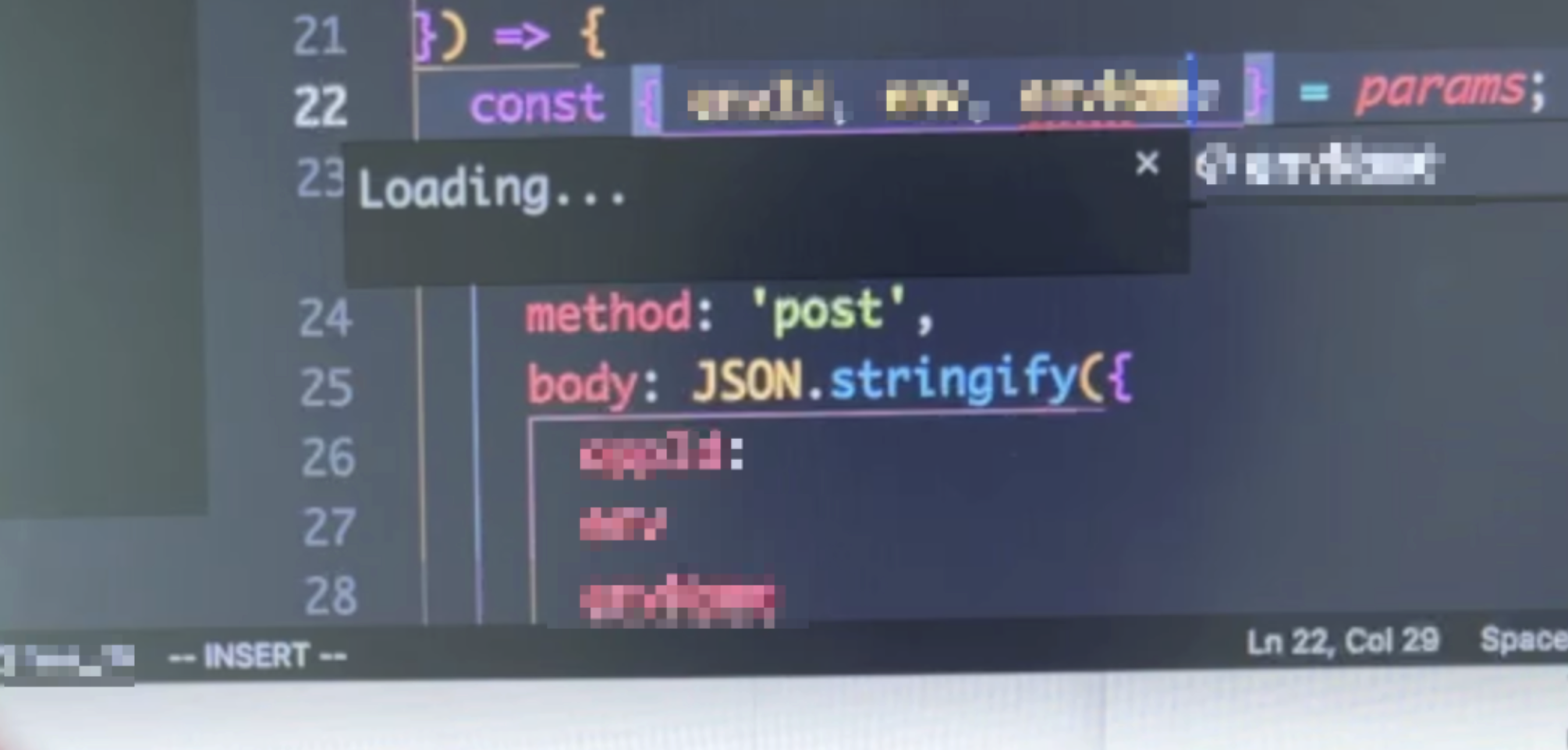
The MBP I had (2020 13″ 32G 512G) was just unbearably laggy. How bad was it? — there was a 2–3s delay between keyboard input and the editor showing the output!
My first Mac (MBP 2015 13″ 8G + 128G) was used for development and security research (Web vulnerabilities) for nearly 5 years, and I basically never felt any lag.
What?
After reading most of the reviews, I finally chose the MBP 14″ 10-core + 16G + 512G among the M2, M1, and M1 Pro. For me (a second-tier programmer), it offers the best value for money.
I had suffered from poor compile/build performance before, so I chose to add 2 more CPU cores, bringing it to 10 cores.
 Then I borrowed an education-discount account and placed the order. Overall, it was basically like getting a free pair of AirPods 3.
Next are some setup steps. I don’t plan to use Time Machine for a direct migration; I want to install a clean system!
If you have any good App / developer tool recommendations, feel free to comment~
How?
You can use mackup for one-click syncing.
Apps
-
Daily use
- ClashX Pro: scientific Internet access
- Only after setting up scientific Internet access can the rest be installed
- Notion: a tool for note input + blog output
- Chrome: browser
- Xnip: screenshot tool
- 1password 7: password manager
- I’ve tried others too, but this native App is still smoother
- CleanMyMac X: Mac optimization and cleanup tool
- OmniDiskSweeper: quickly scans files on disk, used to clean up space
- Warp~~ iTerm2~~: terminal
- Alfred: local search, app launcher, clipboard 📋
- A productivity powerhouse
- Karabiner-Elements: an excellent tool for remapping keyboard keys
- Some configuration karabiner.json, mainly for modifying HHKB and Apple Keyboard
- 滴答清单: an app for tasks and time planning (GTD)
- flomo: quickly jot down ideas
- Bob 社区版: selected-text translation and screenshot translation tool
- It’s quite convenient that it supports aggregation across multiple translation services
- Input Source Pro: automatically switches input methods for different apps and websites
- QQ Music: online music service product
- 百度五笔输入法
- I’ve tried various Wubi input methods on Mac, and this one is still the best
- NetNewsWire: open-source, free, cross-platform RSS subscription and reading app
- Subscription index.opml
Bartender 4(Hidden Bar): menu bar app icon management tool- Management is quite convenient, but it doesn’t adapt well to the notch area in the middle of the Mac screen
- OpenInTerminal: open Terminal from Finder with one click
- The previous Go2Shell seems to be unmaintained, so I switched to this
- IINA: media player
- Kap: open-source screen recording tool
- Can convert to gif or mp4, supports plugins
- On the new Mac, generating gifs is basically exported in seconds
- TaskPaper: task management tool in text-editor mode (GTD)
- Often used to manage work items that need long-term follow-up, together with 滴答清单
- Mindnode
- Telegram: relatively anonymous and secure chat software
- Cubox: one-stop information collection, reading, management, and review
- An article and video collector for the era of fragmented reading
- RunCat: a cat running in the menu bar
- The cat runs faster as CPU usage increases (on the new Mac, no matter how I develop, I haven’t seen the cat run)
- Magnet: window management
- MonitorControl: monitor brightness adjustment
- StandUp: reminder to stand up
- WiFriedX: disables AWDL/AirDrop to optimize Wi-Fi connectivity on M1-series Macs
- SmoothScroll: makes scrolling with an external mouse feel more natural and smoother
- AlDente: AlDente’s main feature is adjusting the battery charging threshold. After the battery reaches the specified level, the computer stops charging and switches to battery power, with no need to manually plug or unplug the MacBook charger during the process.
- Screen Studio: screen recording software
- KeyCastr: displays pressed shortcuts, useful together with screen recording
- ClashX Pro: scientific Internet access
-
Development use
- VSCode / Cursor: code editor
- One-click sync via the built-in Settings Sync feature
- GitUp: Git GUI software
- Simpler than tools like SourceTree; in daily development, there are basically no GUI operations it can’t handle
- Sublime Text: text editor
- More precisely, I often use this editor to quickly write brief notes
- DataGrip: database development tool
- Goland: Gopher development tool
- Dash: API documentation and code snippet manager
- I’ve been using it for a long time; it’s very convenient for looking up API docs and usage
- Postman: an essential API debugging tool
- SwitchHosts: tool for managing and switching between multiple hosts schemes
- QuickLook preview plugins
brew install quicklook-json qlmarkdown qlvideo --cask
- VSCode / Cursor: code editor
System Configuration
- Three-finger drag on trackpad
- System Settings → Accessibility → Pointer Control → Trackpad Options → Enable dragging (three-finger drag)
- Backspace key response speed
- System Settings → Keyboard, set Key Repeat to fastest and Delay Until Repeat to shortest
- Github clone acceleration
- Screensaver Aerial
Dev
- https://github.com/zdharma-continuum/zinit
- brew
- on-my-zsh
- fzf
- autojump
- lazygit: command-line Git GUI
- ripgrep: quickly search for strings contained in files/directories
- bat
- lsd: an upgraded version of the ls command that can display file icons
- asitop: a Perf monitoring CLI tool for Apple Silicon
- gh
- glab
- git-switcher
- anaconda
- graphviz
- Node.js related
- fnm
- node 16 seems unable to use node-gyp-build
- Python related
- pyenv
- Java related
- Go
- modd
- tree
- Font installation
brew install --cask font-maple-mono-nf font-fira-code font-jetbrains-monobrew install font-monaspacebrew install font-hack-nerd-fontbrew install --cask font-meslo-lg-nerd-font
Plugins
- Alfred workflows
- alfred-chromium-workflow: browser history search
- Very convenient for finding pages
- YoudaoTranslator: Youdao search
- It’s very convenient to directly use
yd 中英文单词/句子in daily use
- It’s very convenient to directly use
- NpmSearch: npm package search
- Use
npm 包名to search package versions, with support for any registry source
- Use
- alfred-chromium-workflow: browser history search
Common Issues
If npm install shows spawn Unknown system error, run:
$ softwareupdate --install-rosettaUnable to type continuously:
$ defaults write -g ApplePressAndHoldEnabled -boolean falseVSCode cannot use cmd + 2~9 to switch Tabs
// keybindings.json
{
    "key": "cmd+1",
    "command": "workbench.action.openEditorAtIndex1"
  },
  {
    "key": "cmd+2",
    "command": "workbench.action.openEditorAtIndex2"
  },
  {
    "key": "cmd+3",
    "command": "workbench.action.openEditorAtIndex3"
  },
  {
    "key": "cmd+4",
    "command": "workbench.action.openEditorAtIndex4"
  },
  {
    "key": "cmd+5",
    "command": "workbench.action.openEditorAtIndex5"
  },
  {
    "key": "cmd+6",
    "command": "workbench.action.openEditorAtIndex6"
  },
  {
    "key": "cmd+7",
    "command": "workbench.action.openEditorAtIndex7"
  },
  {
    "key": "cmd+8",
    "command": "workbench.action.openEditorAtIndex8"
  },
  {
    "key": "cmd+9",
    "command": "workbench.action.openEditorAtIndex9"
  }
}
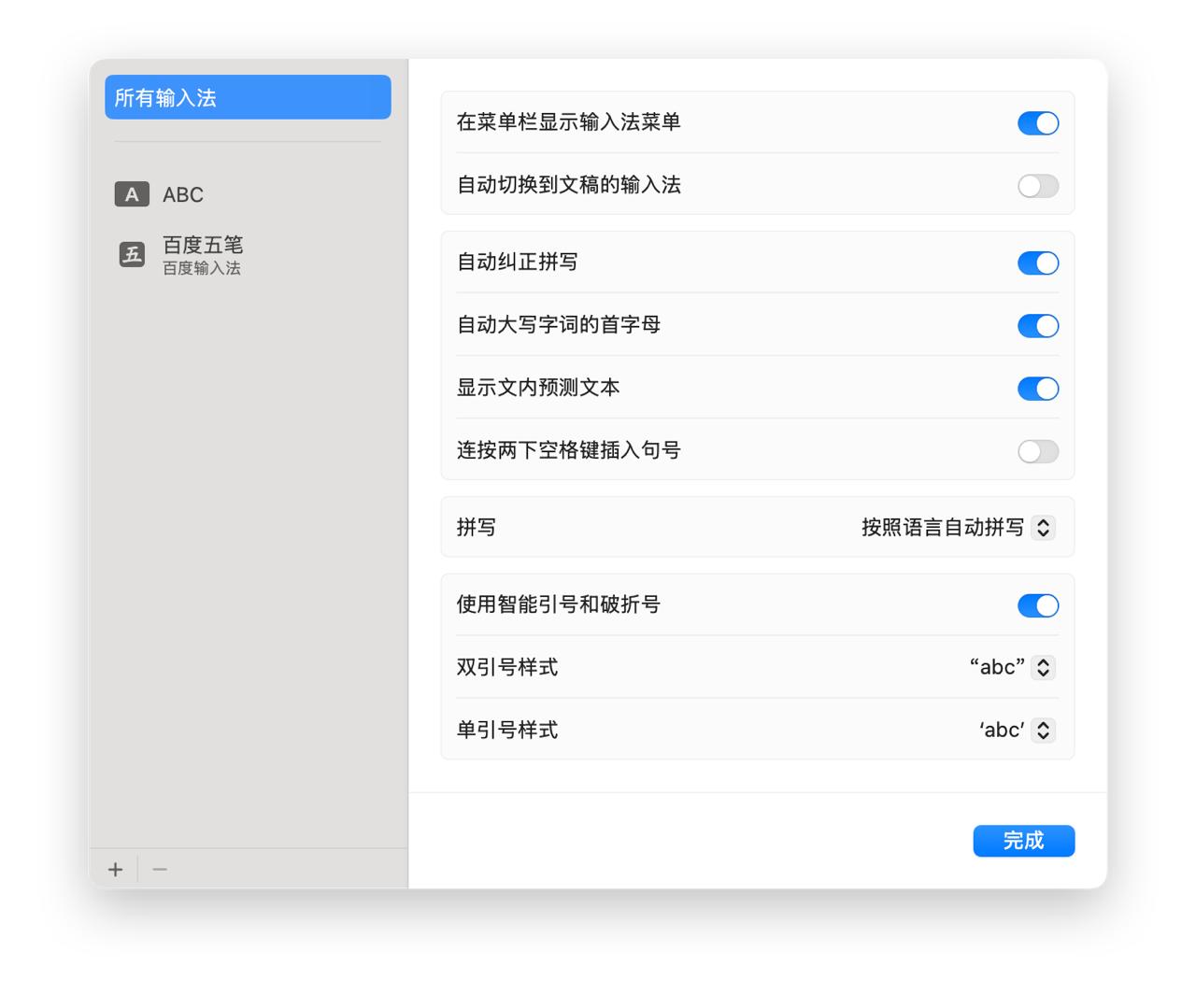
Pressing the spacebar twice produces a .
Pasting long text in ZSH is very slow: add this line to ~/.zshrc:
zstyle ':bracketed-paste-magic' active-widgets '.self-*'The new machine has just arrived, and I’ll keep improving the setup process. So far, I haven’t encountered any lag, and I’ll continue tracking the latest configuration over the long term!